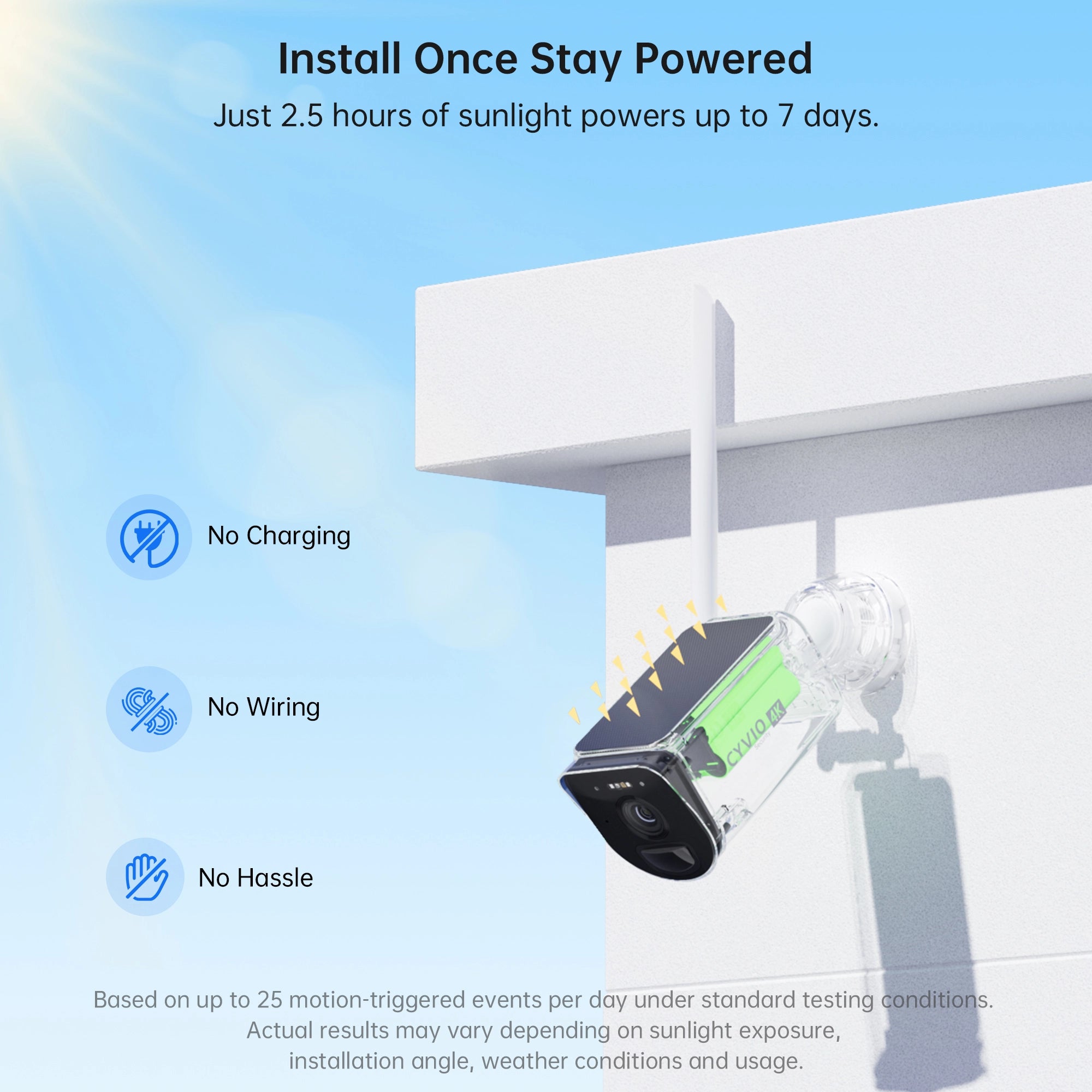


If you want outdoor security cameras but do not want to run power cables across walls, garages, yards, or detached buildings, solar-powered models can be an appealing alternative. But are solar-powered security cameras worth it, or does the convenience of solar charging come with too many compromises?
For many outdoor installations, they can be worth considering. A solar security camera combines a rechargeable battery with a solar panel, allowing sunlight to replenish part of the energy the camera uses each day. This can significantly reduce the need to remove the camera for manual charging, especially when the panel is installed in a location with suitable sun exposure.
However, solar cameras are not automatically the right solution for every property. Their performance depends on sunlight availability, battery capacity, camera activity, wireless connectivity, weather conditions, and how the system records video.
This guide explains how solar-powered cameras work, their advantages and limitations, how they compare with wired and battery-only cameras, and what you should evaluate before deciding whether solar makes sense for your property.
How Do Solar-Powered Security Cameras Work?
A solar-powered security camera is essentially a battery-powered security camera paired with a photovoltaic panel.
During daylight hours, the solar panel converts sunlight into electrical energy. That energy is used to recharge the camera's internal battery. The camera then draws power from the battery when needed, including at night when the solar panel is no longer producing electricity.
This means the camera itself is not directly dependent on sunlight every second it operates. Instead, the battery works as an energy reserve between the solar panel and the camera.
Best Buy similarly explains that solar security cameras use solar panels to charge rechargeable batteries, with stored battery power allowing the camera to continue operating after sunset.
How efficiently this arrangement works depends on several variables:
-
The amount of sunlight reaching the panel
-
Solar panel size and efficiency
-
Battery capacity
-
Number of motion events each day
-
Length of video recordings
-
Use of spotlights or infrared LEDs
-
Frequency of live viewing
-
Outdoor temperature
-
Wi-Fi signal strength
Because of these factors, two identical cameras installed at different homes may have noticeably different charging behavior.
Not sure how many cameras your home needs? Check out: How Many Security Cameras Do I Need?
Are Solar Cameras Good for Outdoor Security?
When people ask are solar cameras good, they are usually trying to determine whether solar models are reliable enough to replace traditional outdoor cameras.
For many residential monitoring situations, solar cameras offer a useful balance between flexibility and maintenance. They are especially practical where installing a power outlet or running cable would be inconvenient.
A detached garage, backyard gate, shed, driveway entrance, farm structure, side yard, or exterior wall far from an electrical outlet can all be reasonable locations for a solar camera.
The major difference is that you still need to plan for two things: sunlight for charging and network connectivity for communication.
If either is weak, the convenience of solar power may be reduced.
Advantages of Solar-Powered Security Cameras
Less Dependence on Power Wiring
One of the most practical benefits is installation flexibility.
Traditional wired cameras need access to electrical power, while PoE cameras require Ethernet cabling that carries both power and data. Installing these systems can be straightforward during construction or renovation but more difficult in an existing property.
Solar-powered cameras do not need a continuous cable connection to a household outlet.
That makes them useful in areas where adding wiring would require drilling walls, running conduit, entering an attic, or hiring an installer.
A real-world review from HomeTheaterHifi highlighted this advantage in a location where running wiring or regularly accessing a battery camera would have been inconvenient.
Check out this guide: Security Camera Installation
Less Frequent Manual Battery Charging
Battery cameras provide similar installation freedom, but eventually their batteries need to be recharged.
Adding a solar panel can reduce how often you need to do this.
That difference becomes particularly valuable when the camera is mounted high on a wall, roofline, pole, or another location that is inconvenient to access.
This is one reason people asking are solar powered cameras good should consider maintenance rather than just camera specifications.
For an easy-to-reach front porch camera, occasionally charging a battery may not be a major inconvenience. For a camera mounted several meters above the ground, reducing charging frequency can make a much bigger difference.
Flexible Placement Around a Property
Because power outlets are less important, you have more freedom to choose the camera angle based on the area you actually want to monitor.
Possible locations include driveways, side entrances, gardens, sheds, workshops and detached buildings.
However, the camera's ideal viewing angle and the solar panel's ideal charging position are not necessarily the same.
Models with adjustable or separately mounted solar panels can provide more flexibility because the camera can face the monitoring area while the panel is oriented toward stronger sunlight.
Not sure how many cameras your home needs? Check out: How Many Security Cameras Do I Need?
Useful for Remote or Difficult-to-Wire Locations
Solar cameras can also make sense on larger properties where extending household electrical wiring would be impractical.
The important caveat is connectivity.
A camera can have enough solar power and still perform poorly if its wireless connection is unstable. For distant buildings or large properties, wireless range therefore becomes just as important as solar charging capability.
Read more on: Where to Place Security Cameras
Potentially Lower Routine Maintenance
In a well-positioned installation, solar charging can reduce one of the most common maintenance tasks associated with wireless battery cameras: taking them down to recharge them.
AOSU lists reduced manual charging and suitability for awkward mounting locations among the primary benefits of solar camera systems.
Solar does not make a camera maintenance-free, however. The solar panel may occasionally need cleaning, vegetation may need trimming, and seasonal changes can affect how much sunlight reaches it.
Check out this guide to learn more: What to Look for in a Home Security Camera
What Are the Downsides of Solar Security Cameras?
Before asking are solar panel security cameras worth it, it is equally important to understand where their limitations come from.
Charging Depends on Sun Exposure
Solar charging is highly dependent on placement.
A camera installed beneath dense tree cover, underneath a deep roof overhang, or on a heavily shaded side of a building may receive significantly less energy than the same camera installed in an open area.
Cloudy conditions do not necessarily mean charging stops entirely, but energy production can decrease. AOSU similarly notes that shade, clouds and shorter winter days can reduce charging performance.
That makes battery capacity important because the battery needs enough reserve to cover periods when incoming solar energy is lower than camera consumption.
Heavy Camera Activity Uses More Battery
Motion-activated cameras consume more energy when they wake up frequently.
Imagine two installations.
One camera watches a quiet backyard gate and records several events each day. Another faces a busy sidewalk, moving trees and regular vehicle traffic.
The second camera is likely to consume considerably more energy because it detects, processes and records more activity.
Long recording durations, frequent app viewing, spotlights, two-way audio and nighttime illumination can also increase battery consumption.
This is why the answer to are solar cameras worth it depends partly on what the camera will be looking at.
Keep your security system working reliably. Check out: Security Camera Maintenance
Solar Panels Need Thoughtful Placement
Installing the camera itself is only one part of the process.
The solar panel must also be positioned where it receives adequate light during the day.
Trees, chimneys, walls and neighboring buildings can create shade that changes throughout the day or across different seasons.
It is worth observing the intended installation location during the morning, midday and afternoon before mounting anything permanently.
Wireless Connectivity Can Still Be a Limitation
Removing the power cable does not remove the need for communication.
Most consumer solar cameras rely on Wi-Fi or another wireless connection to deliver notifications, allow remote viewing, communicate with a base station or provide app access.
A camera at the far end of a large yard might receive excellent sunlight but have weak network connectivity.
For distant installation points, check the camera's networking technology and expected range rather than evaluating solar capability alone.
Solar Cameras May Cost More Upfront
A solar setup typically includes more hardware than a basic battery camera.
The solar panel, charging electronics and mounting hardware can increase the initial purchase cost.
The relevant question is therefore not simply which camera costs less at checkout. Consider installation effort and the amount of manual charging you would otherwise perform over time.
Solar vs Battery-Only vs Wired Security Cameras
If you are wondering are solar powered security cameras any good compared with other camera types, the answer depends on what you prioritize.
|
Factor |
Solar-Powered Camera |
Battery-Only Camera |
Wired / PoE Camera |
|
Power cable required |
Usually no |
No |
Yes |
|
Manual charging |
Reduced when solar exposure is adequate |
Periodically required |
Not normally required |
|
Installation flexibility |
High |
High |
Depends on cabling |
|
Dependence on sunlight |
Yes, for solar charging |
No |
No |
|
Suitability for remote areas |
Good if wireless connectivity is available |
Good if wireless connectivity is available |
More difficult if cable cannot be extended |
|
Continuous high-power use |
Depends on design and charging conditions |
More limited by battery |
Better suited to sustained power demands |
|
Installation complexity |
Moderate |
Relatively simple |
Can require more cabling |
|
Ongoing maintenance |
Low to moderate |
Moderate |
Low after installation |
There is no single camera architecture that fits every installation.
Solar cameras emphasize flexibility and reduced charging. Battery-only cameras make placement simple without requiring solar exposure. Wired and PoE systems provide a continuous external power source and can be more appropriate for installations designed around continuous recording or larger fixed surveillance systems.
Are Solar-Powered Security Cameras Good in Cloudy Weather?
One common concern is whether solar cameras become unusable as soon as clouds appear.
That is not how most systems work.
The camera generally operates from its rechargeable battery rather than directly from real-time solar production. On cloudy days, the solar panel may still produce some energy, although typically less than it would under stronger sunlight.
Best Buy notes that solar panels may continue generating power during cloudy conditions, while stored battery energy helps the camera operate when solar generation is reduced.
The more important question is energy balance.
If the camera consumes more energy over several days than the solar panel can replenish, the battery level will gradually fall.
For areas with extended periods of low sunlight, choosing a camera with a larger battery reserve can therefore be particularly useful.
Do Solar Security Cameras Work at Night?
Yes. Night operation is normally powered by energy stored in the rechargeable battery.
The solar panel's purpose is to replenish that battery during daylight. It does not need to generate electricity while the camera is recording after dark.
Nighttime energy consumption can vary significantly depending on the camera.
Infrared illumination, color night vision, spotlights, recording duration and the number of motion events can all influence how quickly the battery discharges overnight.
When comparing cameras, do not evaluate battery capacity in isolation. Look at the complete combination of battery size, solar charging capability and camera features.
What Makes a Solar Security Camera Worth Buying?
The answer to are solar powered security cameras good becomes much clearer when you evaluate the individual components rather than simply looking for the word "solar" on the product page.
Battery Capacity
The battery acts as the camera's energy buffer.
A larger battery generally provides more reserve during nighttime operation and periods of limited solar charging.
However, battery capacity alone does not determine runtime. Camera activity and power consumption also matter.
Solar Panel Design
Look at whether the panel is integrated into the camera or mounted separately.
Integrated panels simplify installation, while adjustable external panels may offer more freedom to optimize sunlight exposure independently from the camera angle.
Video Resolution
Resolution affects how much detail the camera can capture.
1080p remains common, while higher-resolution models such as 2K, 5MP and 4K can preserve additional image detail.
Resolution should be considered together with lens quality, field of view, nighttime performance and recording compression.
Night Vision
Outdoor events do not only happen during daylight.
Depending on the model, solar cameras may provide infrared night vision, spotlight-assisted color night vision, or both.
Keep in mind that nighttime illumination also consumes battery power.
Motion and Human Detection
Basic motion detection can react to many types of movement, including vegetation, shadows or animals.
More advanced cameras may combine PIR sensing with person or vehicle detection to help users receive more relevant alerts.
Reducing unnecessary detections may also help reduce unnecessary recording activity and battery consumption.
Weather Resistance
Because both the camera and solar panel operate outdoors, check the manufacturer's specified weather resistance and operating temperature range.
An outdoor rating such as IP65 or IP66 indicates resistance to dust and water according to defined test conditions, although installation quality and exposure still matter.
Storage Options
Storage can affect both cost and usability.
Depending on the system, recordings may be stored on a microSD card, recorder, local hard drive or cloud service.
Before buying, check:
-
Whether local recording is supported
-
Maximum storage capacity
-
Whether a subscription is required for specific features
-
How recordings can be accessed
-
Whether storage can be expanded
Wireless Range
For cameras installed around a large property, wireless range may matter more than many buyers initially expect.
If the signal needs to travel through multiple walls or reach a detached building, look at the system's networking architecture rather than assuming ordinary household Wi-Fi will be sufficient.
A Practical Example: CYVIO Solar Security Cameras
CYVIO provides several battery and solar-powered options that illustrate how these features can be combined in a real security camera.

For example, the CYVIO B221 4K Wireless Battery & Solar Powered Security Camera combines an integrated solar charging system with an 11,600mAh rechargeable battery. According to CYVIO's specifications, the B221 records at up to 3840 × 2160 resolution, offers a 135° diagonal field of view, infrared and color night vision, two-way audio, PIR-based person and vehicle detection, 2.4GHz Wi-Fi and an IP66 weather-resistance rating. It also supports local microSD storage.
This type of design is useful when you want to install a single outdoor camera without running a dedicated power cable. Solar charging can reduce how frequently the battery needs manual charging, while local storage provides another option for retaining recordings.
For larger properties, CYVIO also offers the N1814 4K Solar Wireless Security Camera System. The system combines 4K cameras with solar and battery power and uses IEEE 802.11ah connectivity. CYVIO specifies a maximum transmission distance of 700 meters under unobstructed, interference-free test conditions. The system supports local microSD storage, an optional internal hard drive up to 8TB, person and vehicle detection, infrared and color night vision, two-way audio, and an IP66 rating.
These examples also demonstrate an important point when evaluating solar cameras: the solar panel is only one part of the system. Battery capacity, image quality, detection, wireless range, storage and installation environment should all be evaluated together.
When Is a Solar Security Camera Most Worth It?
Solar cameras tend to make the most practical sense when the installation location receives useful sunlight and running power cables would be inconvenient.
Common examples include detached garages, side yards, driveway entrances, sheds, farm buildings, gates and high mounting locations.
They can also appeal to people who want wireless outdoor cameras but would prefer to reduce the frequency of manual battery charging.
The strongest use case is generally a location that combines three things: reasonable sunlight exposure, suitable wireless connectivity and moderate camera activity.
When Might a Wired Camera Make More Sense?
Solar is not necessary for every installation.
If Ethernet cabling already exists near the camera position, a PoE security system may provide a simpler long-term power arrangement.
Wired systems can also be attractive for multi-camera installations where continuous recording and centralized storage are priorities.
Likewise, a shaded installation underneath dense trees or between tall buildings may not be an ideal environment for a solar panel.
In those situations, the decision is less about whether one technology is universally better and more about matching the power system to the location.
Are Solar Security Cameras Worth the Extra Cost?
To answer are solar cameras worth it financially, compare the complete installation rather than the camera price alone.
A lower-priced battery camera may initially cost less, but consider whether you will need to remove and recharge it regularly.
A wired camera may have a competitive device price but could require additional cable, conduit or installation work.
Solar cameras shift part of that cost toward the solar panel and battery system while reducing dependence on external power infrastructure.
For an accessible camera beside an existing outlet, the benefit may be modest.
For a camera mounted high on a detached building with no nearby power connection, the convenience may be much more significant.
FAQs About Solar-Powered Security Cameras
Are solar security cameras actually worth it?
They can be worth considering for outdoor areas where running power cables is difficult and sufficient sunlight is available. Their suitability depends on sun exposure, battery size, recording activity, wireless connectivity and the features you need.
Are solar-powered security cameras reliable?
Reliability depends on both the camera hardware and the installation environment. A camera with adequate battery capacity and good solar exposure has very different operating conditions from one mounted in heavy shade.
Do solar-powered security cameras need direct sunlight?
Direct sunlight generally produces stronger charging performance, but some solar panels can still generate electricity under indirect or cloudy light. The amount of available energy is usually lower when sunlight is limited. AOSU likewise notes that shaded locations and cloudy conditions can reduce charging performance.
Can solar cameras work without Wi-Fi?
That depends on the model. Some cameras rely heavily on Wi-Fi for app access and notifications, while other systems may communicate with a dedicated recorder or base station. Check the networking requirements of the specific product before installation.
Do solar cameras need batteries?
Most solar security cameras use rechargeable batteries. The solar panel charges the battery, while the battery powers the camera when solar energy is insufficient or unavailable.
How often do solar cameras need charging?
There is no fixed schedule that applies to every installation. Sunlight, battery capacity, motion frequency, live viewing, nighttime lighting and environmental conditions all affect energy consumption and charging.
Are solar cameras suitable for large properties?
They can be, but wireless range becomes particularly important. For detached buildings, farms or large yards, evaluate both the solar charging system and the camera's communication range.
Conclusion: Are Solar-Powered Security Cameras Worth It?
So, are solar-powered security cameras worth it?
They can be a practical option when you want flexible outdoor installation without running a dedicated power cable and the chosen location receives enough sunlight to support regular battery charging.
Their main advantages are easier placement and reduced manual charging, while their main limitations are sunlight dependency, battery constraints and the continued need for reliable wireless connectivity.
The decision should therefore be based on the installation environment rather than solar power alone. Check sunlight exposure, battery capacity, motion activity, night vision, storage, weather resistance and network range before choosing a model.
For properties where wiring is difficult, CYVIO solar-powered options such as the B221 and N1814 demonstrate how solar charging can be combined with rechargeable batteries, higher-resolution video, local storage and outdoor-focused monitoring features.
When the location and camera specifications match your requirements, a solar-powered security camera can provide a convenient way to monitor outdoor areas while reducing dependence on fixed electrical wiring.