



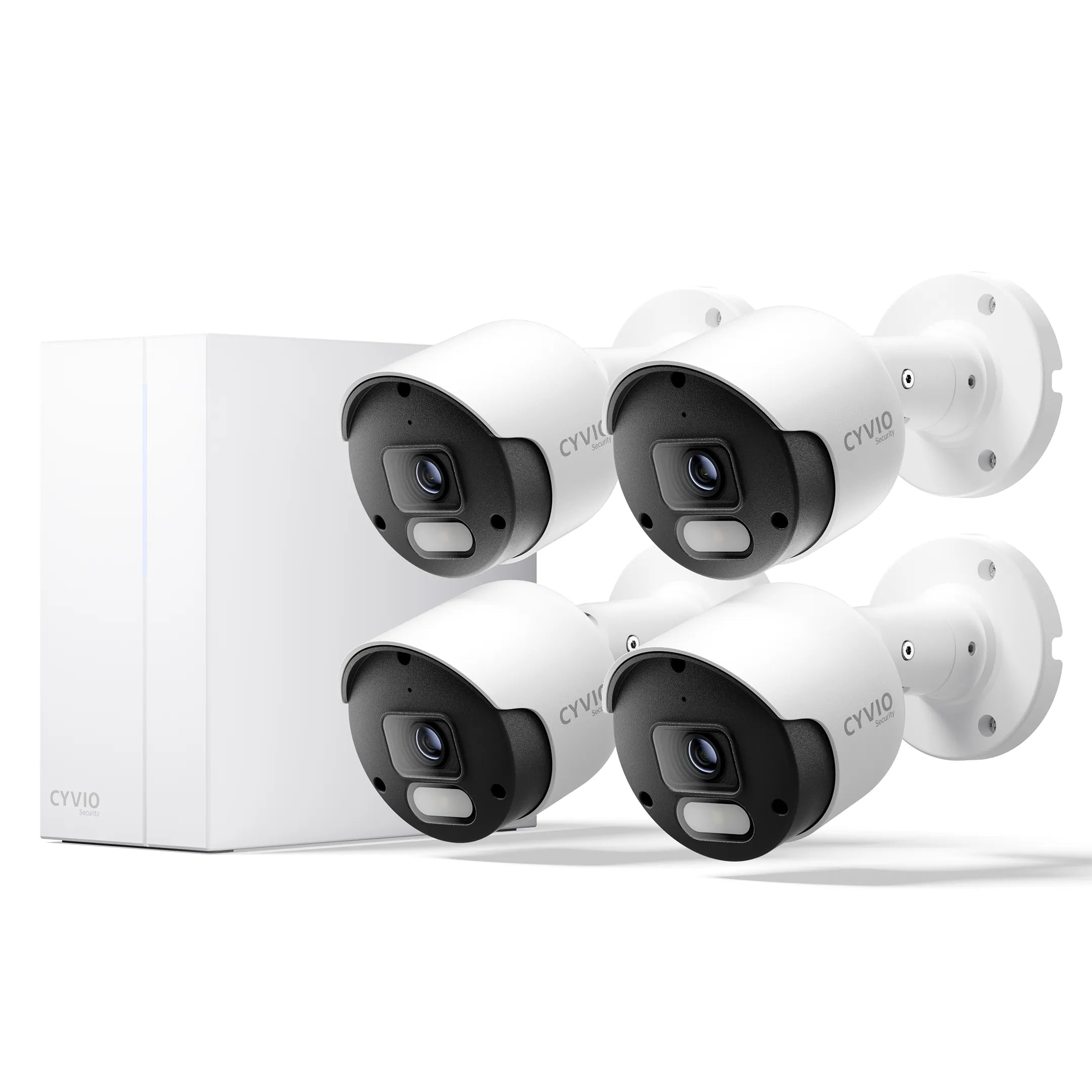
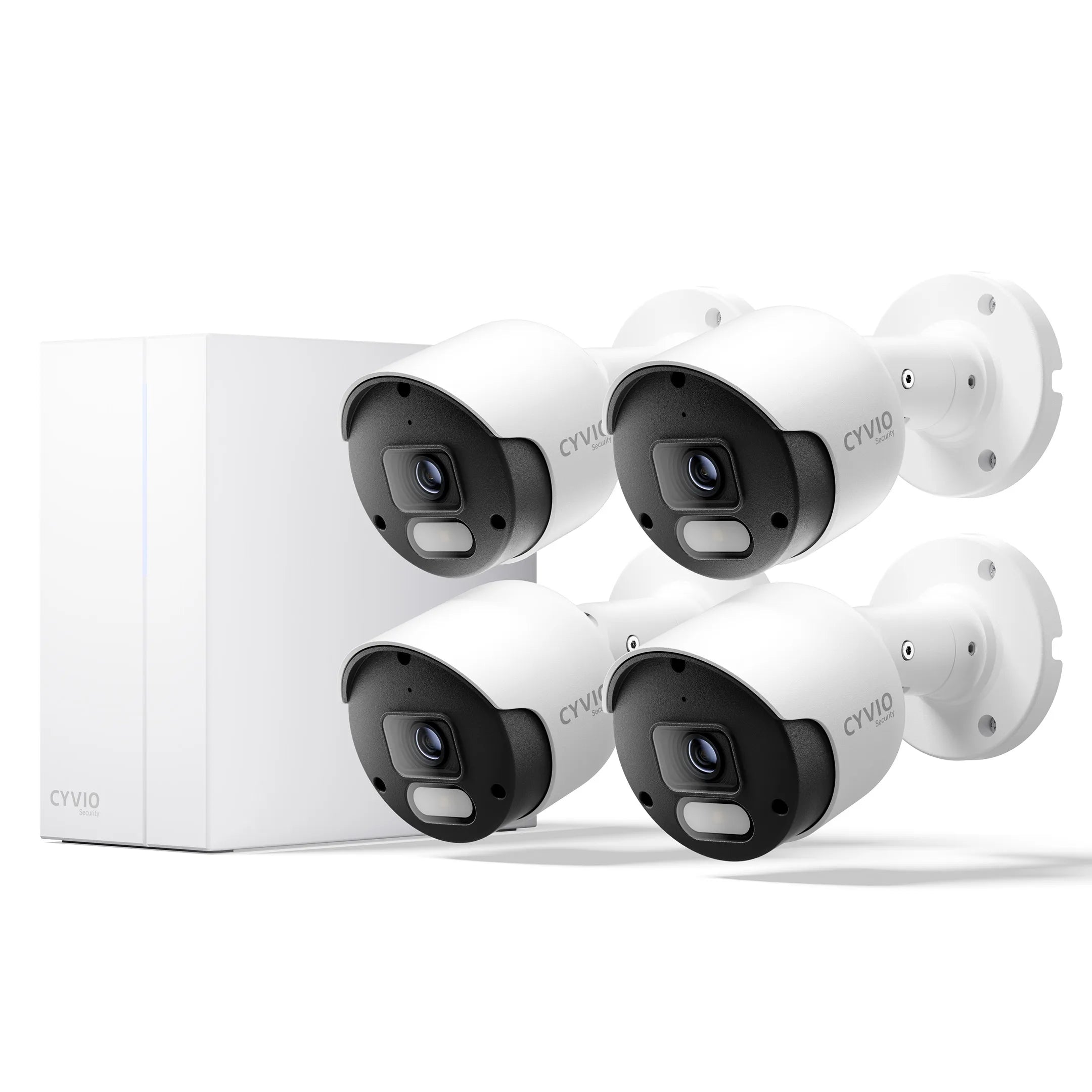
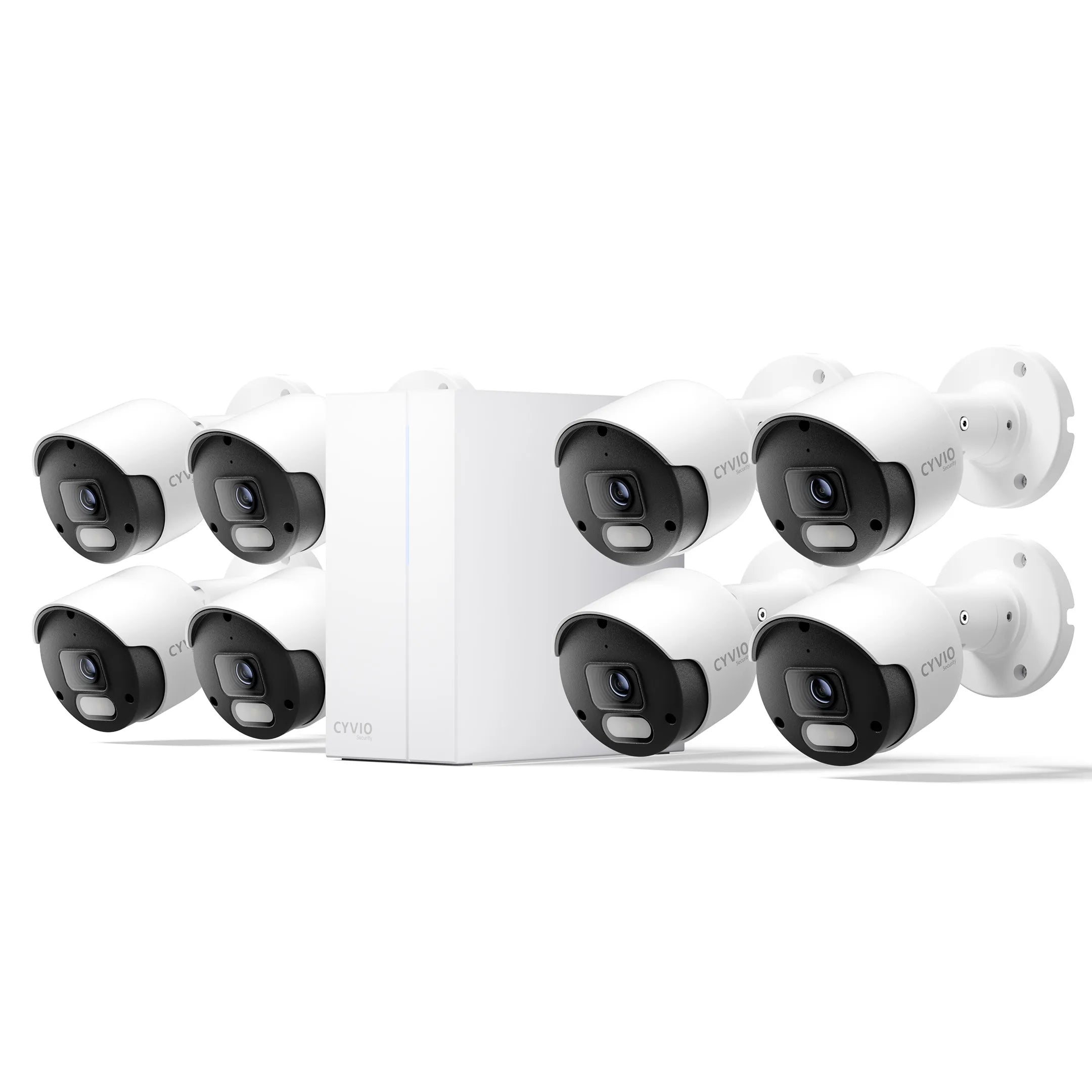











How to Initially Set up CYVIO PoE Camera Systems via CYVIO App?
This article is designed to guide you through the initial setup of the CYVIO PoE Camera System using the CYVIO App.
Applicable Models: N2834, N2838 N2834D, N2838D,N2834 Lite
Here is an installation video for your reference:
Step 1: Power on the NVR. Connect one end of an Ethernet cable to the WAN port on the back of the NVR, and connect the other end to a LAN port on your router to access the Internet. Then, open the CYVIO App on your mobile phone.
Note: Please ensure that the NVR and your mobile phone are connected to the same local network (LAN).
Step 2: Tap the icon in the top-right corner of the app.

Step 3: To add a device, you can choose either Scan QR Code or Online Devices.

Note: When adding a device by scanning the QR code, the app requires permission to access your phone’s camera.

Step 4: If you choose the Scan QR Code method, scan the QR code displayed on the NVR.

Online Device Method: Tap Wired Network Connection, then tap Connect and Next. Wait while the app searches for devices, then select the device you want to add to complete the process.


 Step 5: When connecting to the device for the first time, set the initial device password and the activation password for the IP camera.

Step 6: Assign a name to the device, then tap “Next.”

Step 7: Initialization is complete. You can now view the live video feed.
