














Security Camera Bitrate Explained: How to Balance Video Quality, Storage, and Performance

When reviewing security footage, few things are more frustrating than discovering that an important detail is impossible to identify.
Perhaps a license plate passed by too quickly. Maybe an intruder's face became a blurry smear at night. Or perhaps an event was recorded, but the footage simply wasn't clear enough to be useful.

In many cases, the culprit is not the camera resolution itself—it's the security camera bitrate.
Bitrate is one of the most overlooked settings in video surveillance systems, yet it often determines whether your camera merely records events or captures them clearly enough to provide valuable evidence.
Understanding bitrate is essential if you want to optimize video quality, storage capacity, and overall surveillance performance.
In this guide, we'll explain what bitrate is, how it directly affects your footage, why higher bitrate isn't always the best solution, and how modern technologies like H.265 and dual-stream technology help achieve the perfect balance.
What Is Security Camera Bitrate?
Think of your surveillance system as a data transmission pipeline.
Your security camera continuously captures visual information and sends that data to a recorder or storage device.

In this process:
- The camera acts as the source that collects visual information.
- Resolution determines how detailed the final image should be, such as 1080p, 2K, or 4K.
- Bitrate determines how much data can be transmitted every second.
Bitrate is typically measured in Mbps (megabits per second).
A higher bitrate allows more visual information to be preserved, while a lower bitrate forces the system to compress and discard some details.
This relationship is especially important when using high-resolution cameras.
Many users assume that purchasing a 4K camera automatically guarantees crystal-clear footage. Unfortunately, that's not always true.
Imagine printing a giant poster using a low-quality image file. From a distance, it may look acceptable, but once you zoom in, all you see are blurry blocks and missing details.
The same principle applies to surveillance footage.
A high-resolution camera paired with insufficient bitrate will never deliver its full potential.
In other words, resolution sets the standard, but bitrate determines whether that standard can actually be achieved.
How Bitrate Directly Affects Security Camera Image Quality
Insufficient bitrate can cause several noticeable issues, and unfortunately, these problems cannot be fixed after the footage has already been recorded.
Once information is lost during compression, it is gone forever.
Loss of Fine Details
When scenes are relatively static, low bitrate may seem acceptable at first glance.
However, the encoder often sacrifices small details to save storage space.
This can make product labels difficult to read in retail stores, erase handwriting on office whiteboards, or reduce facial details that may later become important evidence.
The footage still exists, but its usefulness is greatly diminished.

Motion Blur During Fast Movement
Motion blur is one of the biggest challenges in security surveillance.
Moving vehicles, running people, and rapidly changing scenes generate enormous amounts of visual information.
With adequate bitrate, every frame is recorded accurately.
With insufficient bitrate, the system begins dropping visual data, leading to:
- Motion blur
- Ghosting effects
- Smearing
- Frame skipping

At apartment entrances, license plates may become unreadable streaks of light.
In warehouses, a person's face may turn into a moving block of pixels.
At the very moment when surveillance matters most, your camera effectively becomes blind.
Poor Color Accuracy and Increased Noise
Low-light environments are especially demanding for surveillance systems.
At night, cameras naturally capture more digital noise due to limited lighting conditions.

When bitrate is too low, there isn't enough data available to process and preserve image quality.
This often results in:
- Grainy footage
- Excessive digital noise
- Color banding
- Reduced color accuracy
Instead of smooth gradients, skies and walls may appear patchy and unnatural.
This significantly impacts both viewing experience and forensic usefulness.
Why Higher Bitrate Isn't Always Better
If low bitrate causes quality problems, why not simply maximize the bitrate?
The answer is simple: storage costs.
Higher bitrate means larger video files.
The relationship is straightforward.
Every increase in bitrate directly increases storage consumption.
A simplified formula is:
Daily Storage Per Camera ≈ Bitrate × 0.011 × 24 Hours

Let's look at an example.
Suppose a small retail store operates four cameras and wants to store footage for 30 days.
At 4 Mbps per camera, daily storage usage is approximately 168 GB, requiring around 6 TB of storage capacity.
If bitrate increases to 6 Mbps for better image quality, daily storage jumps to approximately 252 GB.
The required storage capacity rises to over 9 TB.
That's more than a 50% increase in storage costs.
Now imagine this across dozens or hundreds of cameras in a commercial project.
The expenses can grow exponentially.
The reality is that much of this additional data is wasted recording empty hallways, stationary walls, and inactive spaces.
Blindly increasing bitrate is rarely an efficient long-term strategy.
The goal should not be maximum bitrate.
The goal should be smart bitrate management.
How Modern Surveillance Systems Solve the Problem
Today's surveillance technology focuses on maximizing efficiency rather than simply increasing specifications.
Two technologies have become essential: H.265 video compression and dual-stream technology.
Together, they help users achieve better image quality while minimizing storage demands.
H.265: The Foundation of Efficient Video Compression
One of the most effective ways to reduce storage pressure is adopting H.265 (HEVC) video compression.
Compared to the older H.264 standard, H.265 can reduce bitrate requirements by approximately 40% to 50% while maintaining the same image quality.

This offers significant advantages.
Without purchasing additional hard drives, users can:
- Extend video retention periods
- Improve image quality
- Reduce bandwidth consumption
- Lower long-term operating costs
For example, if your surveillance system currently stores 30 days of footage using H.264, switching to H.265 could potentially extend retention to 45 or even 60 days under similar conditions.
This efficiency improvement is one of the reasons why modern surveillance systems increasingly rely on H.265 as the default standard.
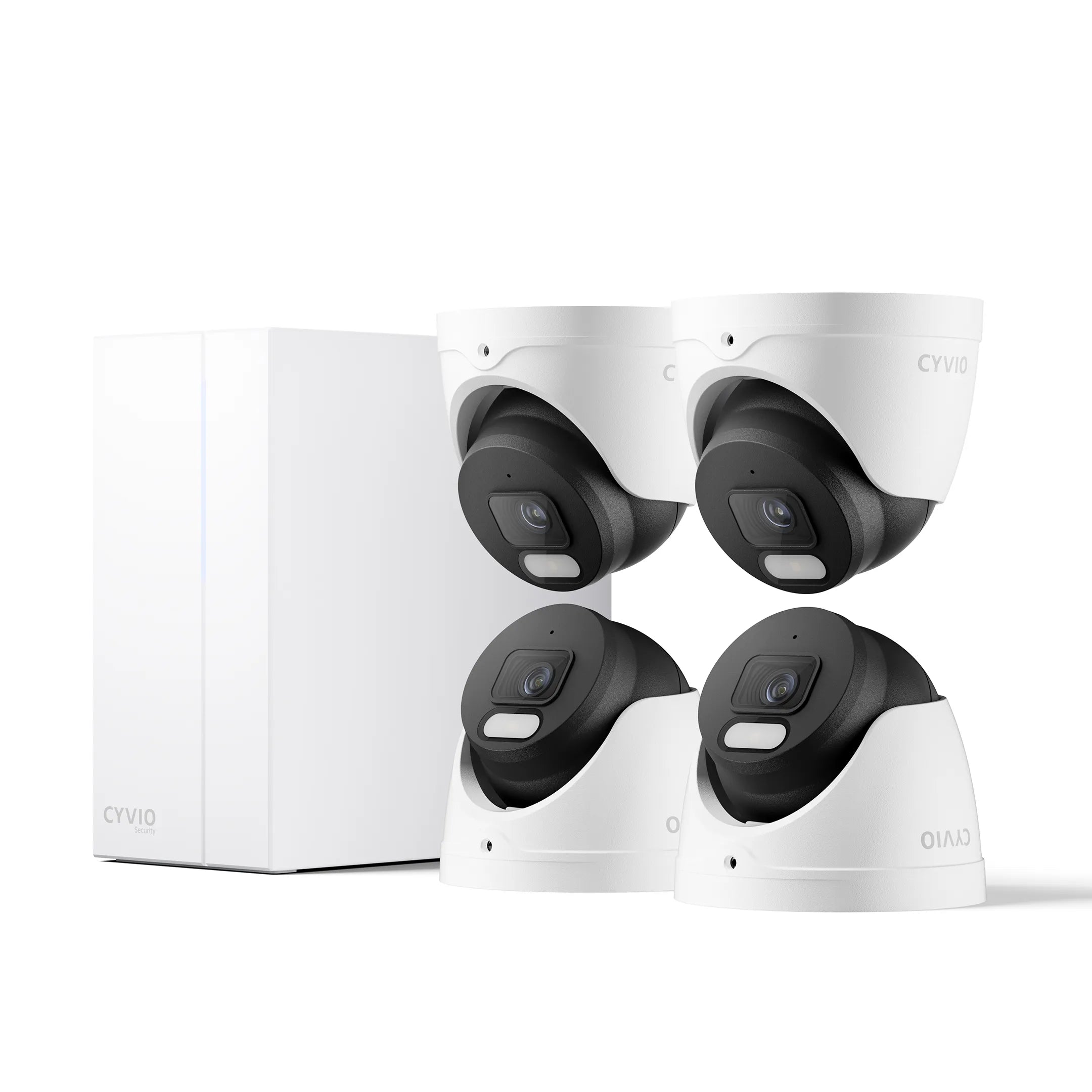
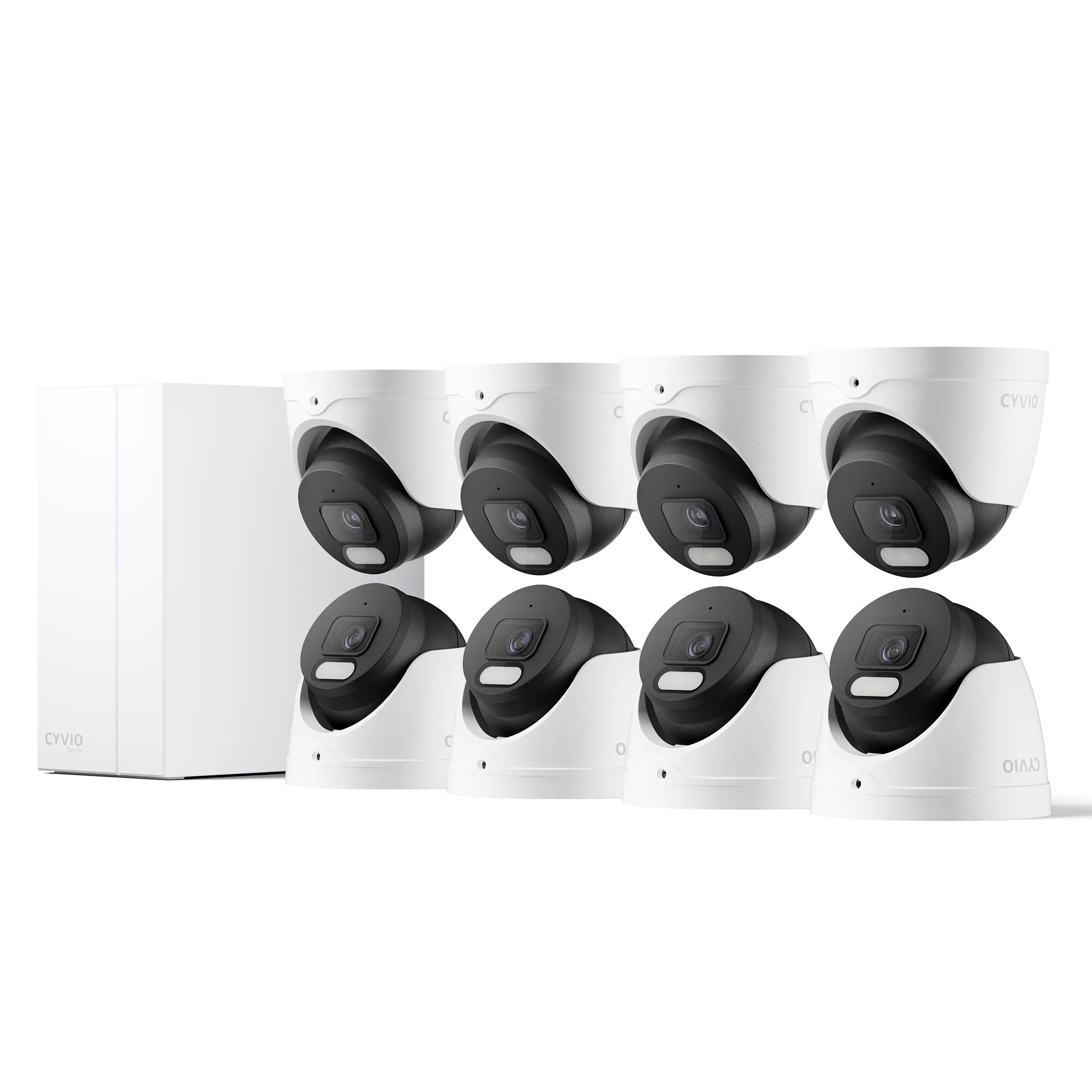
Many CYVIO security camera systems already integrate H.265 technology to help users maximize storage efficiency without complicated adjustments.
Dual-Stream Technology: Smooth Viewing Without Sacrificing Quality
Another important technology is dual-stream recording.
One common problem users encounter is that high-quality footage often requires more network bandwidth, causing delays when remotely viewing live feeds.
Dual-stream technology solves this issue elegantly.
Instead of generating one video stream, the system creates two independent streams simultaneously.
The first stream is called the main stream.
It uses high resolution and higher bitrate to produce evidence-quality recordings stored on the hard drive.
The second stream is called the sub-stream.
It uses lower bitrate settings for mobile apps, remote viewing, and multi-camera displays.

This approach delivers several benefits.
Users can remotely monitor cameras without lag while preserving full-quality footage for future investigations.
Professional surveillance systems, including CYVIO N2838 PoE camera systems, commonly support dual-stream technology as a standard feature.
How to Choose the Best Bitrate Settings for Different Scenarios
There is no universal bitrate setting that works for every environment.
Different applications require different priorities.
Home Security and Small Businesses
Most homeowners and small businesses need a balance between image quality and storage duration.
A practical approach is to:
- Enable H.265 compression
- Use balanced or intelligent bitrate settings
- Prioritize ease of use
This allows users to achieve clear footage without constant manual adjustments.
Retail Stores and Office Buildings
Businesses often need to identify faces, transactions, and license plates while maintaining footage for 30 days or longer.
For these environments:
- Increase bitrate for entrances and checkout areas
- Use intelligent compression
- Optimize storage allocation
This ensures critical evidence is preserved without overwhelming storage systems.
Warehouses and Storage Facilities
Large warehouses often contain static environments with occasional movement.
The priorities here are long retention periods and event recording.
Recommended strategies include:
- Lower fixed bitrate
- Motion detection recording
- Efficient H.265 compression
This eliminates unnecessary recording and significantly extends storage duration.
High-Security Environments
Banks, laboratories, manufacturing inspection lines, and quality control stations demand maximum detail.
In these situations, image quality directly impacts operational effectiveness.
Higher bitrate budgets may be justified, along with enterprise-grade storage solutions.
These environments prioritize evidence quality over storage efficiency.
Best Practices for Optimizing Security Camera Storage
If you want the ideal balance between clarity and storage, consider these best practices.
Always enable H.265 whenever available.
Use motion detection recording instead of continuous recording when appropriate.
Assign higher bitrate only to critical locations such as entrances, driveways, and cash registers.
Enable dual-stream technology for smoother remote access.
Regularly evaluate your storage retention requirements.
Remember that surveillance effectiveness is not determined by the highest specifications but by intelligent resource allocation.
Final Thoughts: Smart Surveillance Is About Efficiency, Not Excess
In modern security systems, bigger numbers do not always produce better results.
The most effective surveillance solution is one that intelligently balances image quality, storage efficiency, and long-term operating costs.
Bitrate is no longer just a technical setting hidden inside a menu. It is one of the most important factors that determines whether your surveillance system can truly protect your property when it matters most.
Choosing a system built around efficient technologies such as H.265 compression, intelligent bitrate management, and dual-stream architecture means investing in a complete data efficiency ecosystem rather than simply buying cameras.
At CYVIO, our security camera systems are designed with this philosophy in mind. By combining efficient H.265 encoding, optimized storage management, and professional-grade video processing, users can enjoy sharper footage, longer recording periods, and lower total ownership costs.
Ultimately, the goal of modern surveillance is simple:
Record what matters, preserve what matters, and make every byte of data count.
FAQ
1. What is the best bitrate for security cameras?
The ideal bitrate depends on the camera resolution and application. For most users, 1080p cameras typically perform well between 2-4 Mbps, while 4K cameras often require 8-16 Mbps for optimal image quality.
2. Does higher bitrate always mean better video quality?
Not necessarily. Higher bitrate improves image quality, but excessively high settings consume large amounts of storage and bandwidth. The goal is to find a balance between quality and efficiency.
3. Which is better for security cameras, H.264 or H.265?
H.265 is generally better because it can reduce storage requirements by 40%-50% while maintaining similar image quality.
4. Why does my security footage look blurry at night?
Low bitrate, insufficient lighting, excessive digital noise, or aggressive compression settings can all contribute to blurry nighttime footage.
5. What is dual-stream technology in security cameras?
Dual-stream technology generates two separate video streams simultaneously. One high-quality stream is used for recording, while a lower-bitrate stream is used for remote viewing and live monitoring.
6. How can I reduce security camera storage usage?
Enable H.265 compression, activate motion detection recording, optimize bitrate settings, and use dual-stream technology to improve overall efficiency.